Through Trial and error, I slowly came up with a scheme. I created mine manually but there are features that will create them automatically.
Making the dots show up on the dot density map.
Can be fixed by selecting which option you are attempting to illustrate from the drop down menu.
Results:
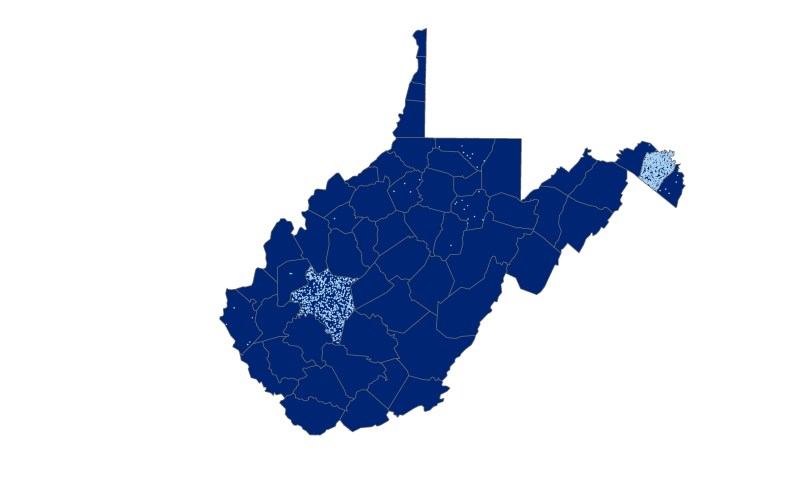
I selected a dark blue color scheme for the background of the dot density map because it is a color usually indicated with the state.
I then selected a light blue color scheme so that the dots can be seen from a distance.
For the Proportional symbol map, I used a lighter blue background with different shades of gray circles for aesthetic purposes.
For the graduated color map, I chose a variety of red, orange, yellow and green to indicate the different percentages of change. These colors are eye-catching and easily understandable for the message I am trying to convey. I chose the green color for least percentage change because most of my population has little change and most of the state is covered in forest.


 Phoenix's Lab Log