
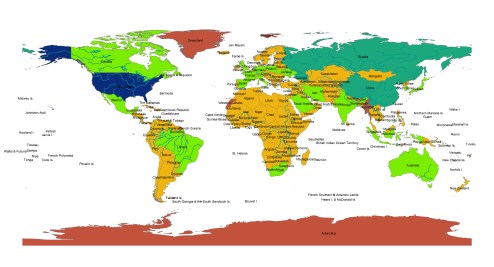

Notes from this lab:
Adding layers to a map can be accomplished by clicking on the black cross and golden square at the top of the page.
- Map Document (.mxd files)
- specifies the set of map layers contained in a map along with the map layout elements and their display properties used to present GIS datasets
- Table of Contents
- a list, usually found on a page before the start of a written work, of its chapter or section titles or brief descriptions with their commencing page numbers.
- Data Frame
- generally refers to “tabular” data: a data structure representing cases (rows), each of which consists of a number of observations or measurements.
- Map Layer
- a GIS database containing groups of point, line, or area (polygon) features representing a particular class or type of real-world entities such as customers, streets, or postal codes.
- Attribute Table
- corresponds to a certain zone of cells having the same value. In a GIS, attribute tables are often joined or related to spatial data layers, and the attribute values they contain can be used to find, query, and symbolize features or raster cells.
Two interesting things I learned about ARC GIS:
To view maps within maps:
Click on the world icon at the top of the page (full extent)
To make a scatterplot:
View>Graphs>Scatterplot matrix
Two cool Maps I found on the website:
http://webapps-cdn-dev.esri.com/CDN/page-templates/products/map-cookbook/night-sky.html
http://lahub.maps.arcgis.com/apps/MapJournal/index.html?appid=7279dc87ea9e416d9f90bf844505a54a
Initial Thoughts of ARCGIS:
The software is really cool, quite confusing but I’m excited to learn more. Examining the maps that have been made with the software make me excited to learn more!
 Phoenix's Lab Log